 PrizmaCore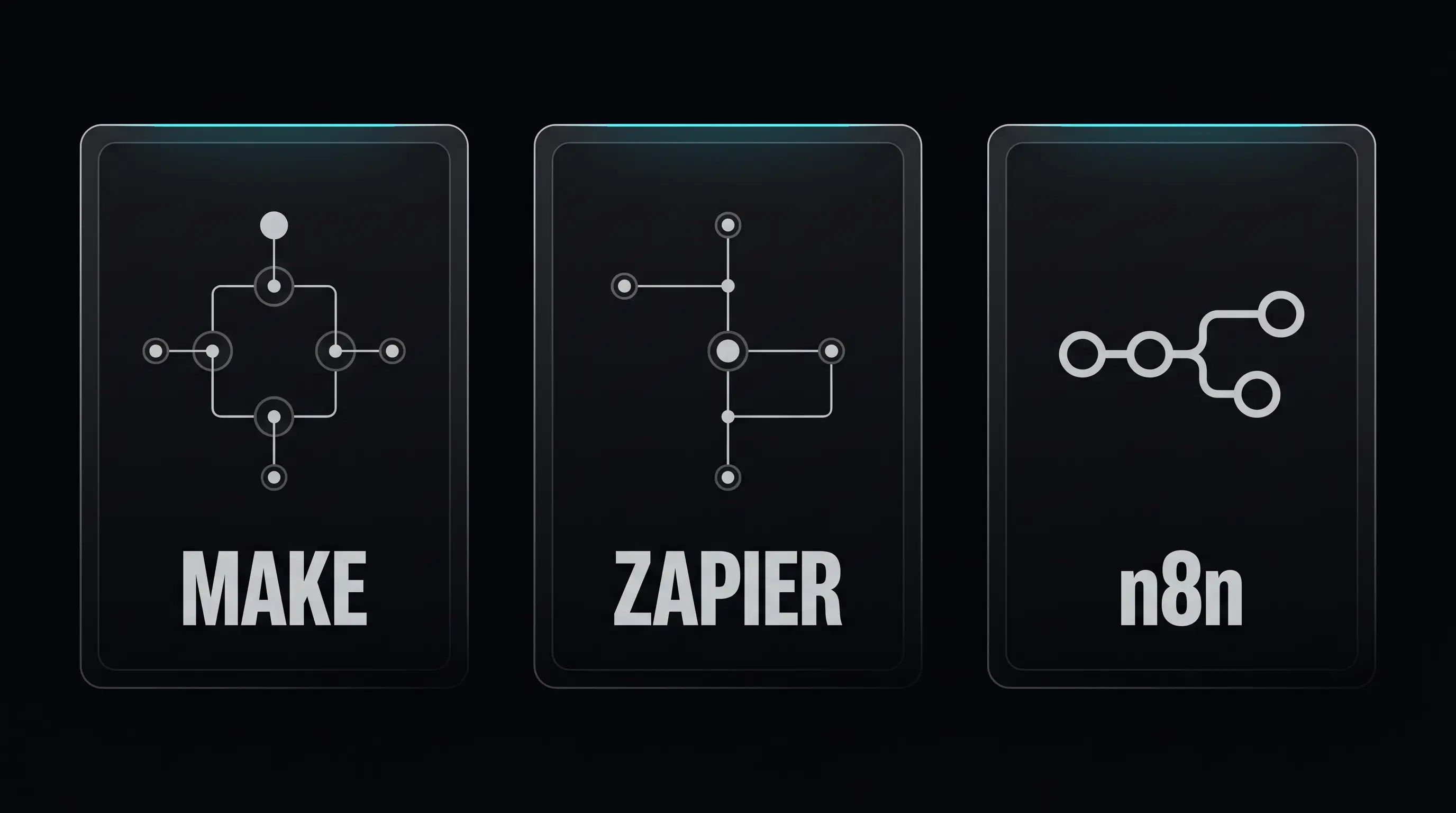
This is for the Australian small business owner who has decided automation is the next move and is now trying to pick between Make.com, Zapier, and n8n. The three biggest names in workflow automation. Each one capable of running most of what a small operation needs. Each one with real strengths and real limitations. This is an honest comparison from someone who builds on all three for paying clients, not a generic listicle scored against fake criteria.
Two questions get answered in this post. Which tool fits which kind of operation. And which one PrizmaCore reaches for first by default, including why.
At a glance: Make vs Zapier vs n8n
| Make.com | Zapier | n8n | |
|---|---|---|---|
| Pricing | $9 to $29 USD/mo for SMB, ops based | $19 to $103 USD/mo for SMB, task based | Free self-hosted, $20 AUD+/mo cloud |
| Ease of use | Visual canvas, easy for non-technical operators to read | Linear flow builder, easiest first five minutes | Visual builder plus code, steeper learning curve |
| Power ceiling | High. Branching, error handling, iteration, inline JavaScript | Moderate. Multi step paths but linear bias | Very high. Full JavaScript nodes, true workflow logic |
| Connectors | ~1,800 apps | ~7,000 apps (largest catalogue) | ~500 apps plus HTTP and custom code |
| Support | Email, slower turnaround | Faster live chat on higher tiers | Community and docs (open source), paid support on cloud |
| Data sovereignty | EU and US hosted | US hosted | Self-host anywhere including Australia |
| Best for | Non-technical operators, easy handover, mid scale builds | Speed of first deploy, obscure connector needs, existing user base | Sovereign data, technical clients, scale beyond standard cloud cost |
| Worst for | Niche Australian SaaS not in the catalogue | Cost at scale, complex branching logic | Non-technical clients without ongoing support |
Pricing accurate as of writing. Vendor tiers move. Check current public pages before commit.
Make.com: the deep dive
Real strengths
Make.com is the platform I default to for most client builds because the visual canvas makes handover easier than anything else in the category. A non-technical operator can look at a Make scenario and see what their automation is actually doing. Boxes connected by lines. Data flowing through. Errors lighting up red. That visibility matters for trades and service businesses specifically. The owner can sit at the screen, point at a node, and ask "what does this do" without needing to read code. That conversation is the difference between an automation that gets maintained and one that gets feared.
Pricing is the second real strength. Make charges by operations (one node execution equals one op) rather than tasks. For workflows that batch, filter, or branch, this often works out cheaper than Zapier at meaningful scale. The Core tier sits at $9 USD per month. The Pro tier at $16 USD per month. Most SMB trade builds I ship sit comfortably inside Core or Pro.
Power ceiling is high. Branching, error handling, data transformation, iterators, aggregators, and inline JavaScript are all native inside the canvas. Builds that would need a code node or external function in Zapier sit native in Make.
Real limitations
The connector catalogue (around 1,800 apps) is smaller than Zapier's. Most mainstream Australian tools are covered. The niche Aussie SaaS that nobody outside the country has heard of sometimes is not, and the workaround is HTTP modules talking to the tool's API directly.
Who it is wrong for
A client who refuses to learn anything new and wants point and click setup with zero conceptual learning. The visual canvas is intuitive but it still requires understanding the shape of a workflow. Operators who want a one button "just do it" tool should look elsewhere.
Zapier: the deep dive
Real strengths
Zapier has the largest connector catalogue in the category by a wide margin. Over 7,000 apps. If a tool exists in business software, Zapier almost certainly has a connector for it. For workflows that touch obscure SaaS, vertical specific platforms, or the long tail of business software, Zapier often wins on connector availability alone.
Speed of first deploy is the second strength. The interface is linear and conventional. Trigger, action, action, done. A first time user can ship a working Zap in fifteen minutes without thinking too hard about workflow architecture. For a small business that needs a single point to point automation now and is not planning to add more, Zapier is the fastest path to a working result.
Live chat support on higher tiers is faster than Make's email-only support. For operators who panic when something breaks, the ability to talk to a person quickly matters.
Real limitations
Cost is the biggest one. Zapier charges per task, and tasks accumulate quickly as workflows grow. A multi step Zap that fires fifty times a day uses 7,500 tasks per month. The pricing tiers climb steeply. The Professional plan starts around $73 AUD per month. The Team plan jumps to $103 plus. At scale, Zapier becomes meaningfully more expensive than Make running the same workload.
The other limitation is the linear bias. Multi path workflows with branching, error handling, and conditional logic are possible but feel grafted on. Complex builds end up in a tangle that is hard to maintain. The architecture rewards simple flows. It punishes complex ones.
Who it is wrong for
Any operator planning a multi workflow rollout where cost matters. Zapier is rarely my first recommendation for a new build on cost grounds. Migration cost is the only reason I would default to Zapier for a client who is not already in it.
n8n: the deep dive
Real strengths
n8n is the only one of the three I can recommend when data sovereignty is the brief. Self-hosting on infrastructure inside Australian jurisdiction means customer data, lead lists, and business records never leave the country. For Australian operators thinking about compliance, or just wanting their data on their own server, n8n is the answer.
The power ceiling is the highest of the three. JavaScript nodes are native. Custom HTTP requests are first class. Function nodes can run arbitrary code. A skilled developer can build genuinely complex workflows in n8n that would need external services to extend either Make or Zapier.
Cost is the second real strength. The self-hosted version is free at the software layer. The cloud version starts around $20 AUD per month. At high volume, n8n is dramatically cheaper than either alternative. For operators running tens of thousands of automation executions per month, the cost difference becomes the whole conversation.
Real limitations
The learning curve is steeper. The visual builder exists but assumes more technical understanding than Make. The community is smaller. The connector library (around 500 mainstream integrations plus generic HTTP) is smaller than both alternatives. Documentation is good but assumes a developer audience.
Self-hosting is a real responsibility. Updates, security, server management, and backup all become someone's job. A small operator without technical staff cannot run their own n8n instance. They either pay for n8n cloud or pay someone to manage it.
Who it is wrong for
A non-technical small business owner who wants a tool they can run themselves. The handover conversation is harder. Without technical staff or an ongoing automation partner, n8n becomes a black box the operator cannot maintain.
What PrizmaCore uses and why
PrizmaCore defaults to Make.com for most client builds. The reason is operational, not technical. The visual canvas makes handover easier for non-technical operators. A trade or service business owner can look at a Make scenario, point at a node, and understand what their automation is doing without needing to read code. They can see what is happening.
That is a real differentiator for trades and service businesses specifically. Most automation platforms assume the operator either knows code or never touches the build after launch. Make sits in the middle. The result is automations that get maintained instead of feared.
n8n becomes the recommendation when data sovereignty is the brief, or when the client has the technical capacity to self-host. For Australian operators who genuinely need customer data to stay on Australian infrastructure, n8n is the only one of the three that delivers it. The trade off is the additional setup and maintenance overhead, which has to land somewhere. Either internal technical staff or an ongoing automation partner.
Zapier only enters the picture when the client is already deep in it and the migration cost outweighs the savings. Zapier is never the first recommendation for a new build on cost grounds. The cost ladder gets steep too quickly for most SMB workloads, and the linear architecture limits what can be built later without rework.
No platform is on a banned list. The right choice depends on the operator, the build, and what comes next. The default is Make.
How to choose by use case: a quick decision framework
The fastest way to pick the right platform is to answer three questions in order.
1. Does data sovereignty matter?
If customer data needs to stay on Australian infrastructure, the answer is n8n self-hosted. Nothing else qualifies. If sovereignty does not matter, move to question two.
2. Does the operator need to maintain it after launch without reading code?
If yes, Make.com. The visual canvas is the easiest handover surface for a non-technical operator. If you have technical staff who can maintain anything, move to question three.
3. Are you already in Zapier with a real migration cost?
If yes, stay in Zapier. The cost of moving working automations across platforms rarely pays for itself unless scale is forcing the issue. If no, default to Make.
That sequence covers about 90 percent of the SMB workflow automation decisions I see in practice. The remaining ten percent are edge cases. A connector that only exists in one tool. An existing investment that locks the choice. A specific client preference. Those get judged on their own merits, not against a default.